Neko Lo-fi Night
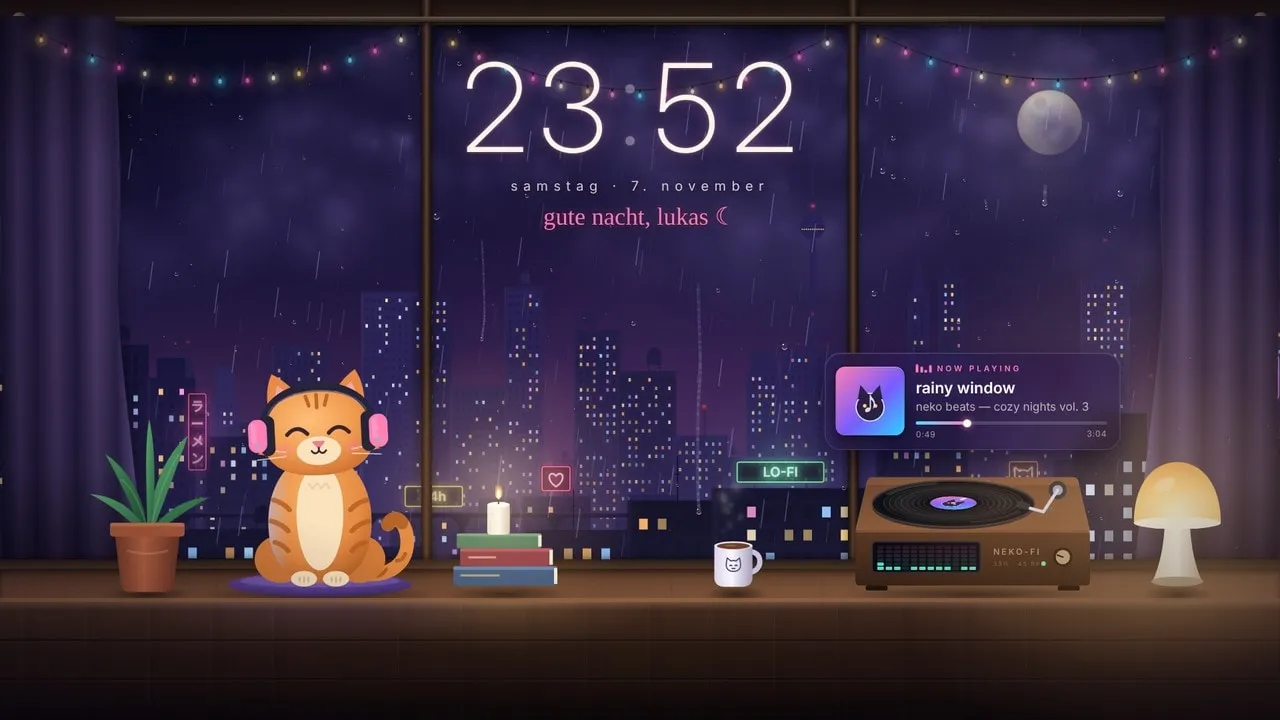
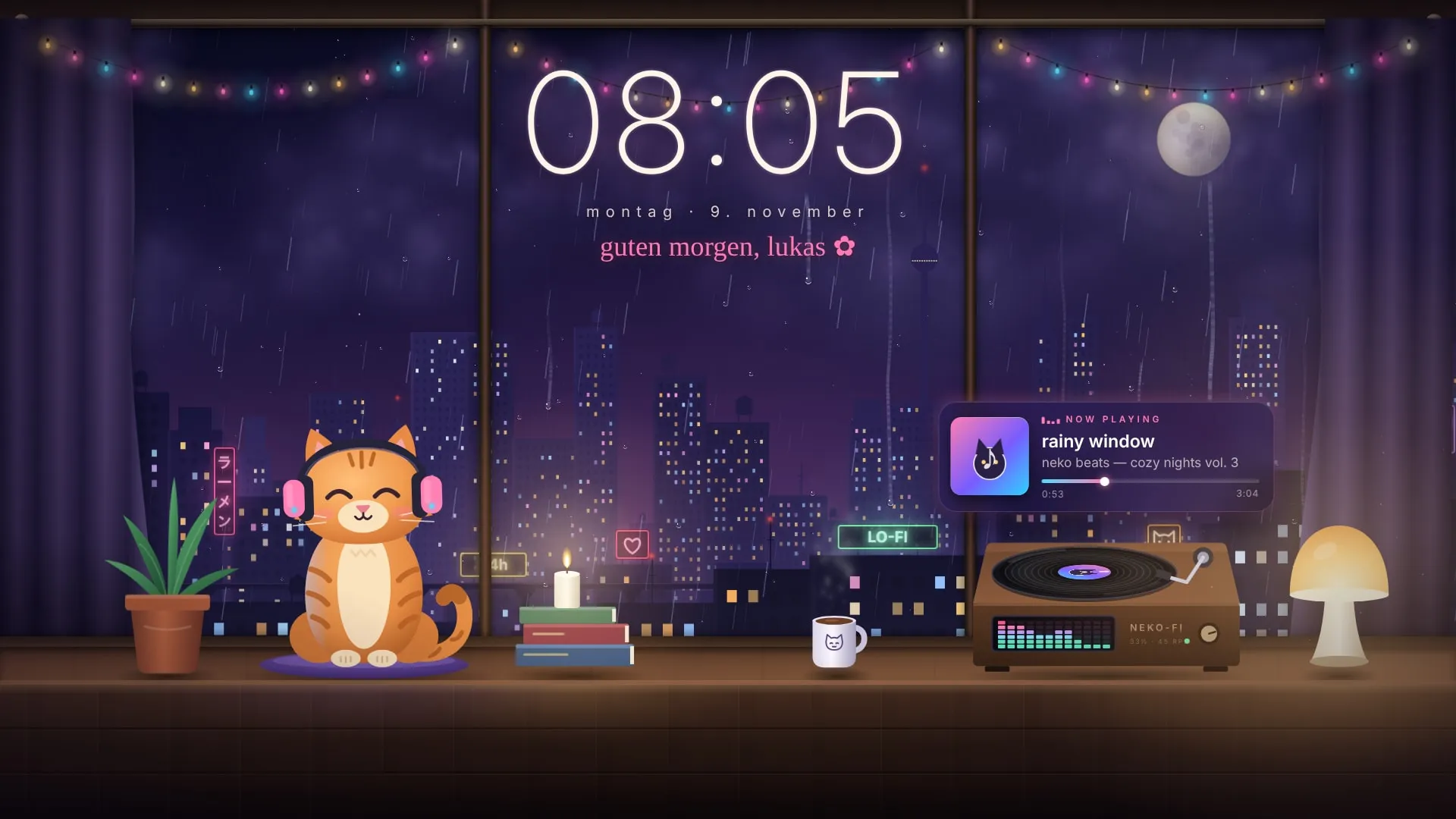
A cozy rainy night by the window. A cat with headphones bobs to your music, with a now-playing card, record player and fairy-light visualizer.
A lo-fi room on a rainy night: the city glows behind the window, the record player spins and the cat nods along to whatever you're playing. The fairy lights pulse with the music, and on a drop the sky lights up with a flash of lightning.
The now playing card shows the song, artist and album art from Spotify, YouTube Music or any other player Windows knows about, and the colors of the whole scene can follow the album cover.
Settings worth changing
- Your name: the greeting says "Lukas" until you change Dein Name in the properties panel.
- Now playing: needs Settings → General → Media integration turned on in Wallpaper Engine.
- Audio: the visualizer and the cat react to whatever your PC is playing, nothing to set up.
The property labels inside Wallpaper Engine are in German for now.
Properties
- Cat bobs to your music
- Now playing card with album art (Spotify and others)
- Colors follow the album cover
- Fairy lights as audio visualizer
- Clock and date, 12 or 24 hours
- Greeting with your name
- Rain, window drops and lightning
- Mouse parallax
- Sky follows the real time of day
How to install
- Download the ZIP and extract it.
- Move the extracted folder to
Steam\steamapps\common\wallpaper_engine\projects\myprojects. - Restart Wallpaper Engine. The wallpaper shows up under Installed.
- Select it and adjust colors, texts and effects in the properties panel on the right.
Gallery